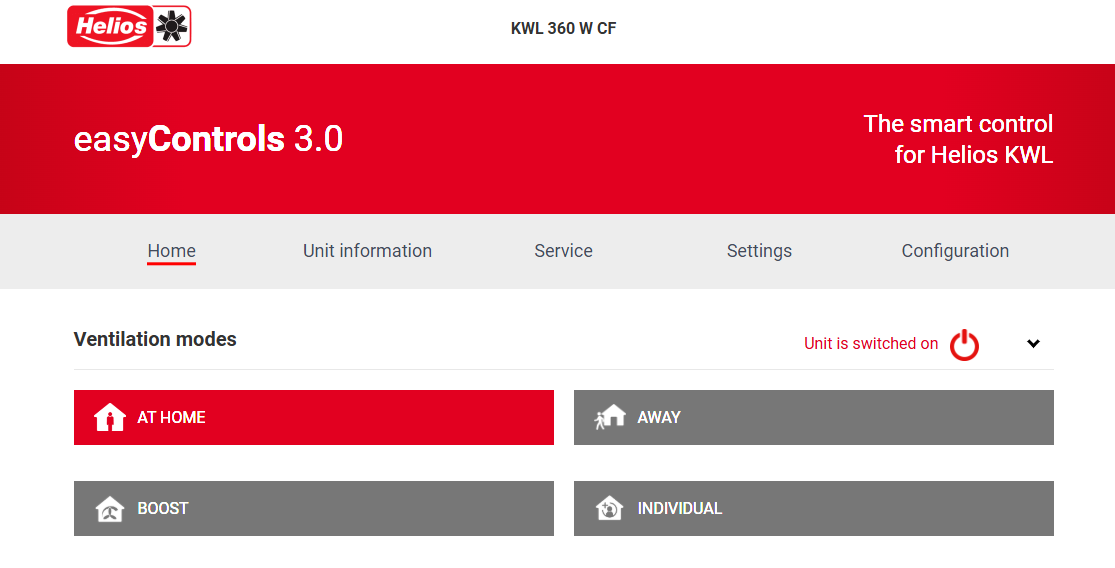


The new version 1.0.29 of easyControls 3.0 is now available and also contains user-friendly optimisations in addition to some new features.
How can you install the new version on your ventilation unit/KWL unit?
Starting with software version 1.0.19, Helios KWL units with easyControls 3.0 have full access to the functions of the easyControls cloud and are automatically updated online. For units with a lower version status or without a cloud connection, the update must be carried out manually. Please follow the steps below:
Installation via Update Tool:
With our new update tool, you have the option of installing this update, as well as all future updates, conveniently on your KWL unit. To do this, download and install the update tool on your PC via the link below. After successful installation, start the programme, select the latest update file and transfer this file to your KWL unit in just two clicks. Detailed information on the installation and update process can be found in the installation instructions. Your computer and your KWL unit must be connected to the same network for the update.
Installation via KWL-BE Touch controller
If you would like to install the new software version via the BE Touch controller, please proceed as follows: Download the latest easyControls 3.0 firmware on the Helios website www.heliosventilatoren.de/software. Save the file to an empty Micro SD card and switch off your KWL unit. Now insert the Micro SD card into the card slot on the KWL-BE Touch controller and switch on your KWL unit again. The update will now start automatically in the background. The update process can take up to 60 minutes.
Download file incl. update tool and firmware file
New key features and optimisations at a glance
Below, you will find a detailed overview of the new features and optimizations. The screenshots illustrate these features in the internal web server and in the cloud.
1. Improved commissioning assistant
With the new software version, the commissioning assistant has been redesigned to intuitively guide users through all settings step by step. Below you will find an overview of the new features.
Import and export of commissioning files
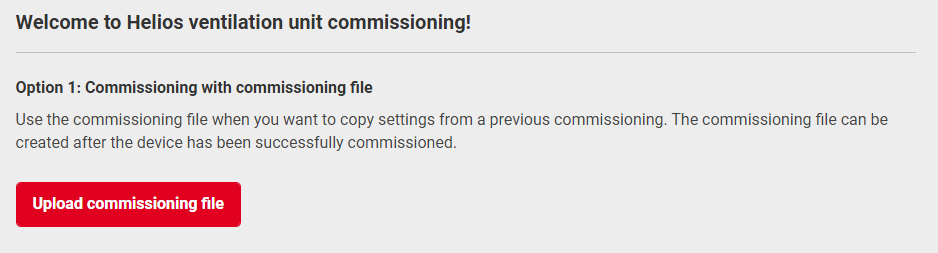
Until now, devices had to be configured individually. With the new import/export function, parameters can now be easily transferred to other devices. This makes commissioning of multiple devices significantly faster and more efficient.
The import and export can be carried out with all devices that are connected to the same network. For convenient operation, a PC or tablet is recommended.
Note: Commissioning as well as import/export are carried out directly via the device interface on site (Home UI). They cannot be performed via the cloud.
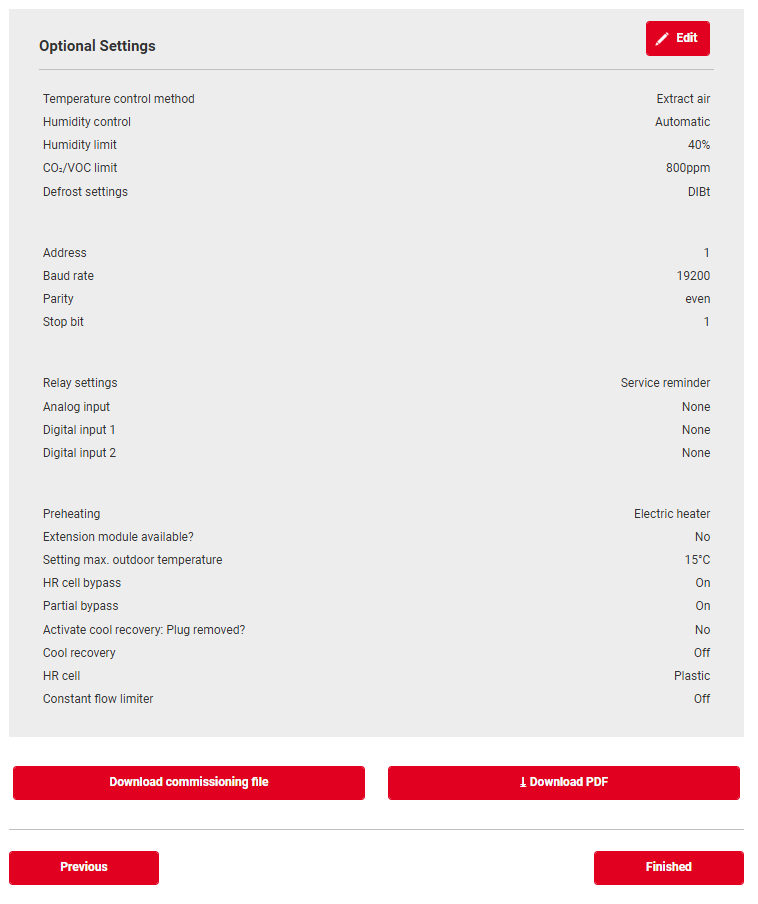
Structured summary of all settings
At the end of the commissioning process, a structured overview of all configured settings is now displayed. This enables quick verification as well as direct navigation back to individual parameters for targeted adjustments.
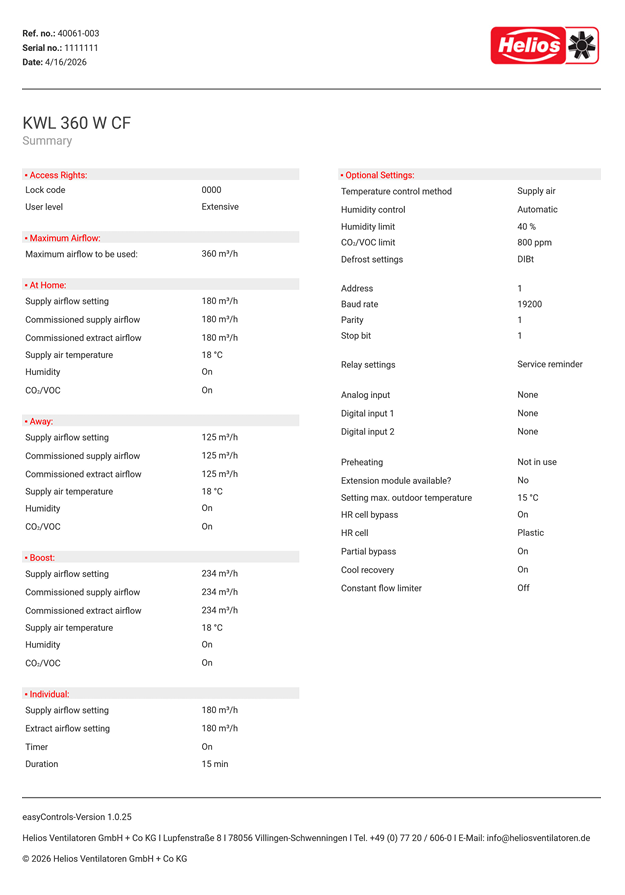
PDF download of commissioning settings
With the update, a PDF download of all commissioning settings is available. This can be generated both during commissioning and during normal operation of already configured devices
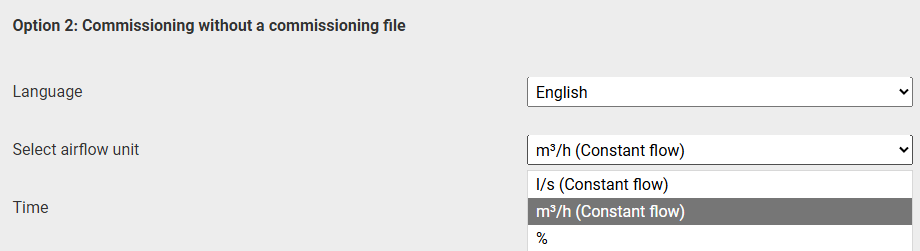
Control mode
From this version onwards, two control modes can be selected:
- Constant Flow (CF): The device can be configured in either m³/h or l/s.
- Constant speed control: The setting is defined as a percentage (%).
Testing options
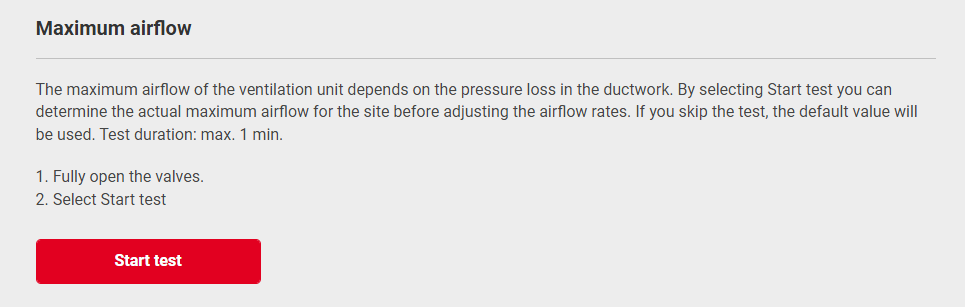
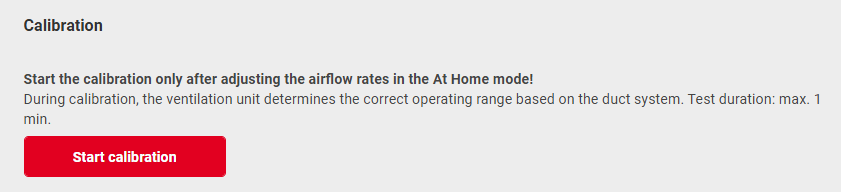
Two new testing options are available. The maximum test duration is 1 minute per test.
- Maximum airflow test (optional)
Determines the maximum airflow of the ventilation unit prior to valve adjustment. This step is optional and can be skipped.
- Calibration (mandatory)
Determines the operating range for the connected duct system. This is required, as it provides the basis for the new "Fan load" and "Volume flow limitation" features.
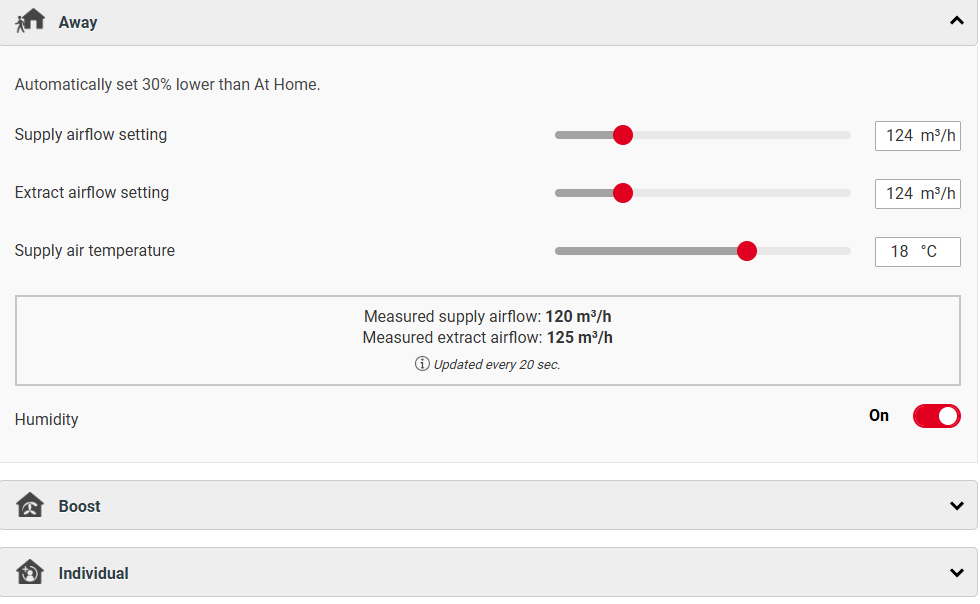
Update to profile settings
When configuring ventilation profiles, the current volume flow values are now refreshed every 20 seconds
2. New features in easyControls 3.0
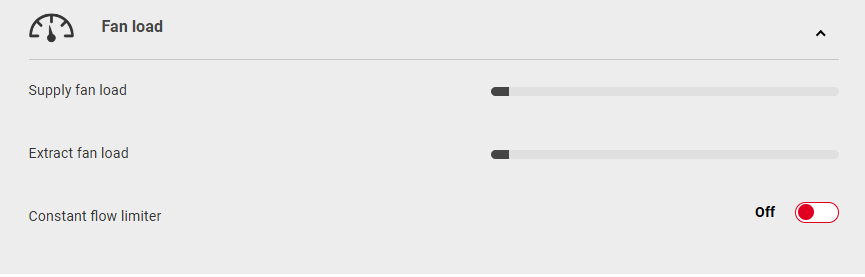
Fan load & constant flow limitation
With the new selection of CF mode (m³/h or l/s), two additional functions are now available:
- Fan load: Displays the current load on the fan, for example when contamination or blockages are present in the duct system.
- Constant flow limitation: Restricts the volume flow controlled operation of the ventilation unit, for example if noise levels become too high during operation.
Timed function
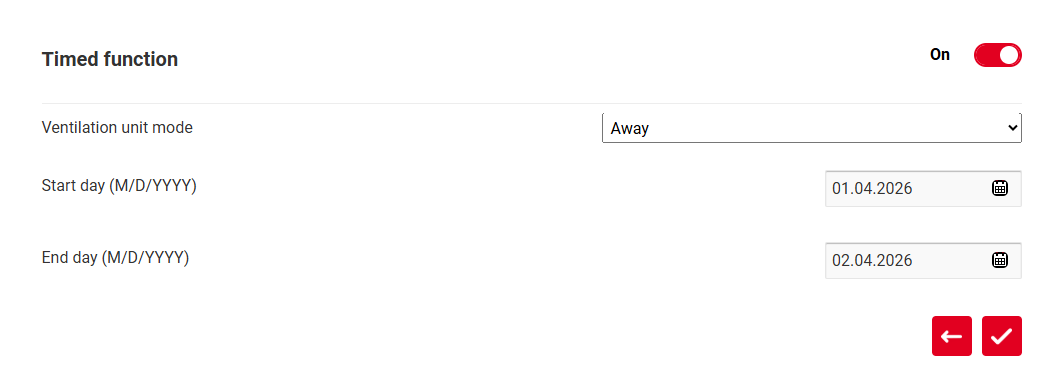
With the new timed function, it is now possible to define a time-limited operation profile. After the set period has expired, the device automatically returns to normal operation. The following profiles are available:
- Away
- Home
- Stand by
Optimised design
With this version, the user interface has been improved in several areas:
- Improved and modernised user interface for better clarity
- Sticky header: device type remains visible while scrolling
- New presentation of key operating data for faster orientation